

MedMatomoPro - Matomo Analytics ecommerce for PrestaShop
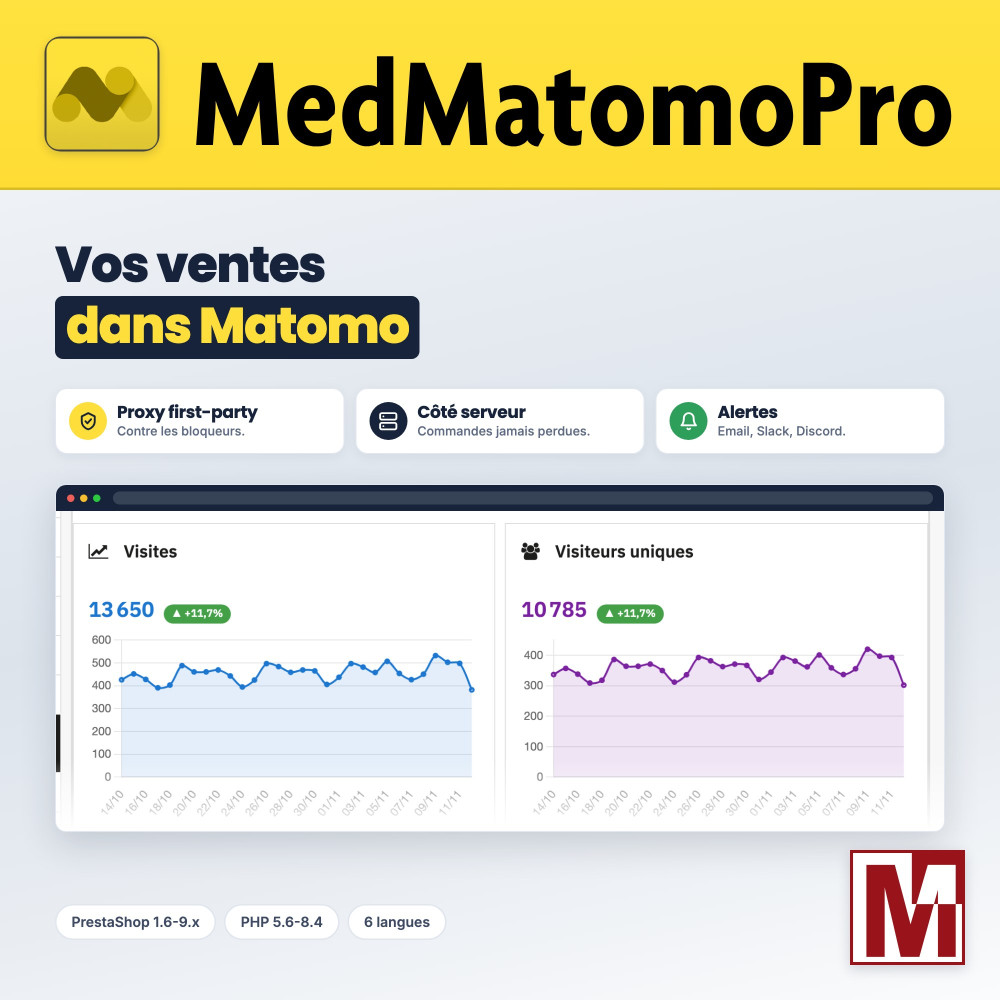
Your sales tracked by Matomo, even behind an ad blocker, and your figures in the back office Matomo ecommerce tracking, with a proxy on your domain and orders sent from your server. Dashboard, Statistics page, alerts and email report inside PrestaShop. Your data stays on your Matomo.





Descrizione
The problem
Part of your visitors block analytics tools: ad-blocking extensions, browsers that filter tracking. Their visits and orders never reach your reports, and your decisions rely on incomplete figures.
And checking these figures means opening another tool: nobody does it every day, and a traffic drop goes unnoticed for a week.
The solution
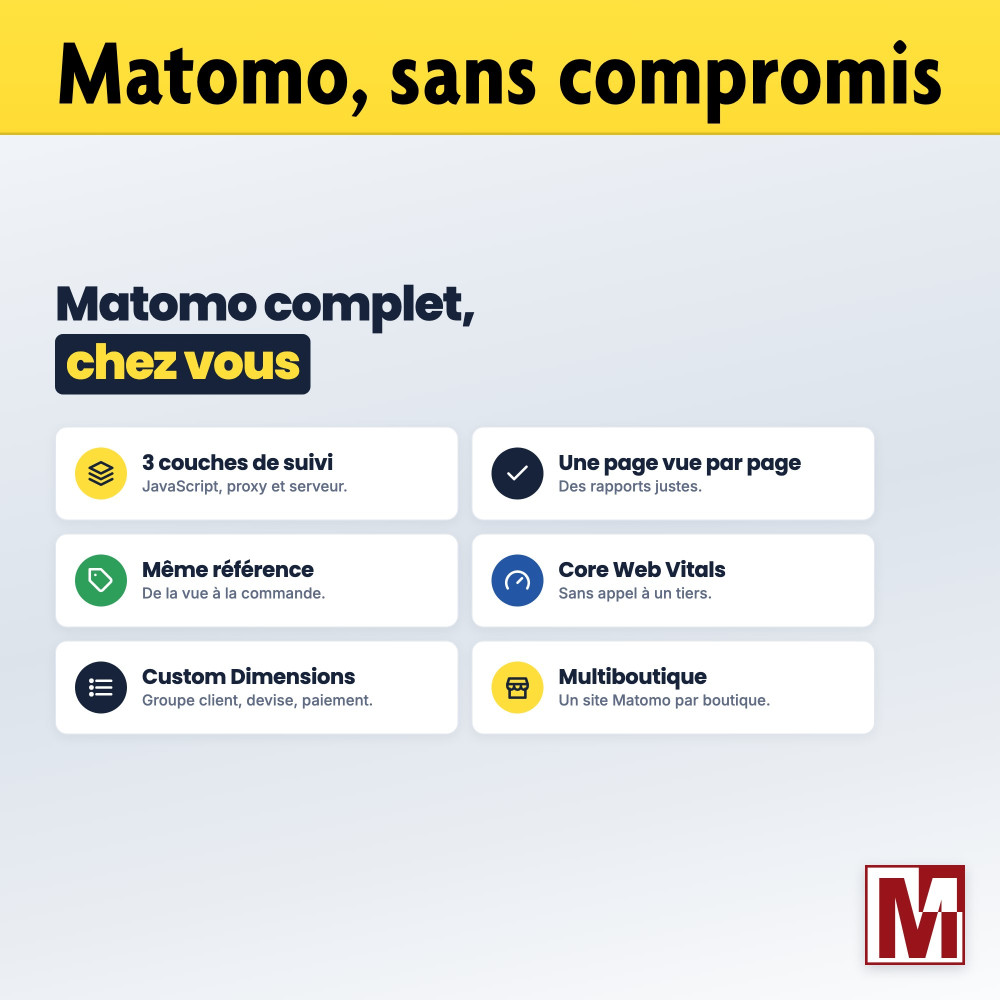
The module tracks your store with three complementary layers: the Matomo JavaScript tracker, a proxy that serves it from your domain, and orders sent from your server.
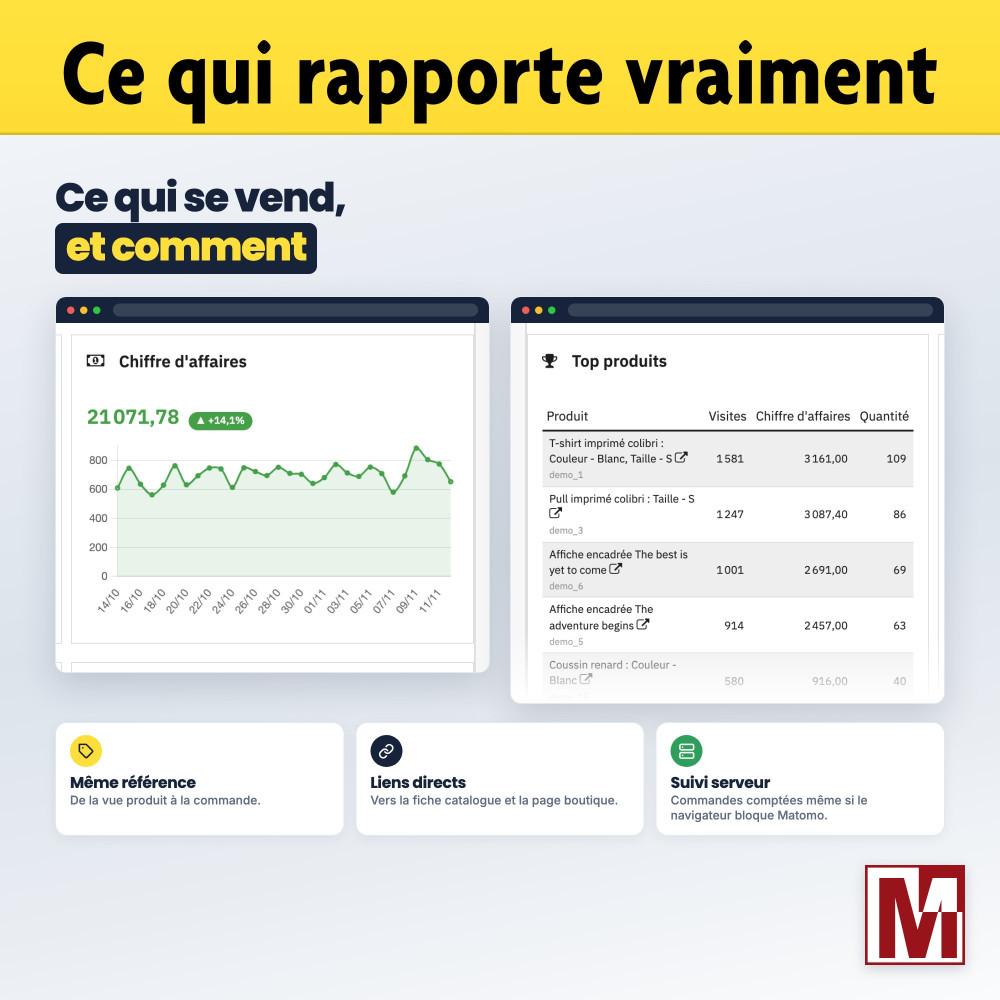
It brings your figures back to the back office: 13 widgets, the PrestaShop Statistics page, alerts when visits or sales drop, and an email report.
What sets it apart
Six design choices that make the difference day to day.
One page view per page
The product or category view travels with the single page view, and the cart only when it changes: your reports are accurate and your Matomo Cloud usage is not inflated.
The same reference everywhere
The product view, the cart and the order carry the same reference: Matomo links the views of a product to its sales.
Orders never lost
Those the browser did not send leave your server an hour later: each order is counted once, in the visit that holds its source.
No iframe
The dashboard reads the Matomo API server-side: the token stays on your server, and figures and dates follow the back-office language.
In the Statistics page
The dashboard is listed among the native PrestaShop reports and follows the selected period: day, month, year or custom dates.
A diagnostic that guides you
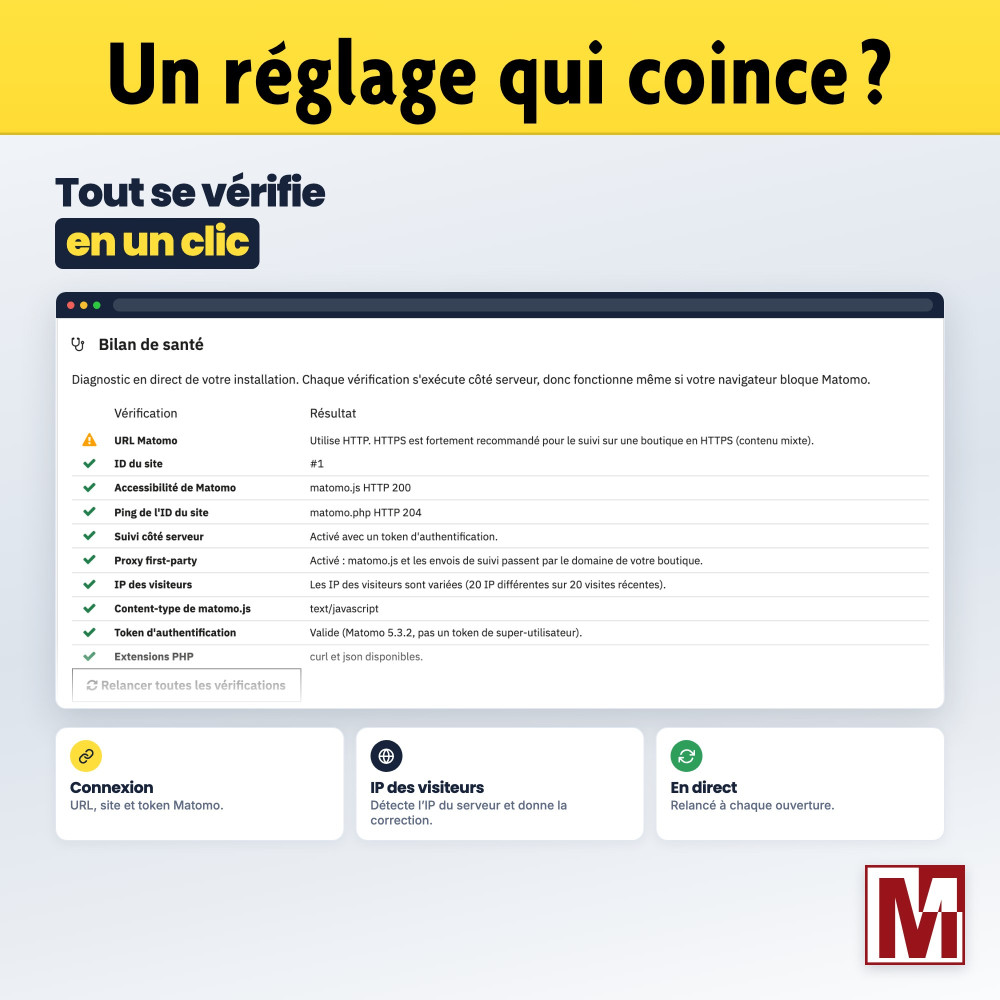
10 checks, from the Matomo URL to the real visitor IP, with the fix to apply when a setting is wrong.
Three ways to track your store with Matomo
They do not give the same figures. Here is where the module stands.
| Tracking code pasted into the theme | Basic Matomo module | MedMatomoPro | |
|---|---|---|---|
| Page views | Yes | Yes | Yes, one per page |
| Product views, cart and orders | To code | Depends on the module | Yes, same reference everywhere |
| Visitors with an ad blocker | Lost | Lost | Proxy on your domain |
| Orders when JavaScript is blocked | Lost | Lost | Sent from the server |
| Statistics in the back office | No | Rarely | 13 widgets and Statistics page |
| Alerts when figures drop | No | No | Email, Slack, Discord |
| Cookieless mode and consent | To code | Depends on the module | Yes, with any CMP |
| PrestaShop 1.6 | Yes | Rarely | Yes |
The module does not replace Matomo: you need a self-hosted Matomo or a Matomo Cloud account. The proxy gets around blockers that filter Matomo addresses; an extension that blocks every analytics script remains stronger, hence the orders sent from the server.
How it works
Tracking
The JavaScript tracker, served from your domain by the proxy, tracks pages, products, cart, searches and logins.
Orders
The orders the browser did not send leave your server, and each one is counted only once.
Figures
The module reads the Matomo reports and displays them in the back office, with alerts and an email report.
Detailed features
Ecommerce tracking
- Product and category views with name, category and displayed price
- Cart sent whenever it changes
- Orders missed by the browser recovered by the server, counted once
- Same product reference from the view to the order
Against ad blockers
- First-party proxy for matomo.js and matomo.php
- Orders sent from the server
- Logins, searches and cart tracked server-side
- Bots excluded from server-side hits
Dashboard
- 13 widgets, enabled one by one
- Change from the previous period
- Report in the Statistics page, for its period
- Widgets on the back-office home page, combined in multistore
Alerts and report
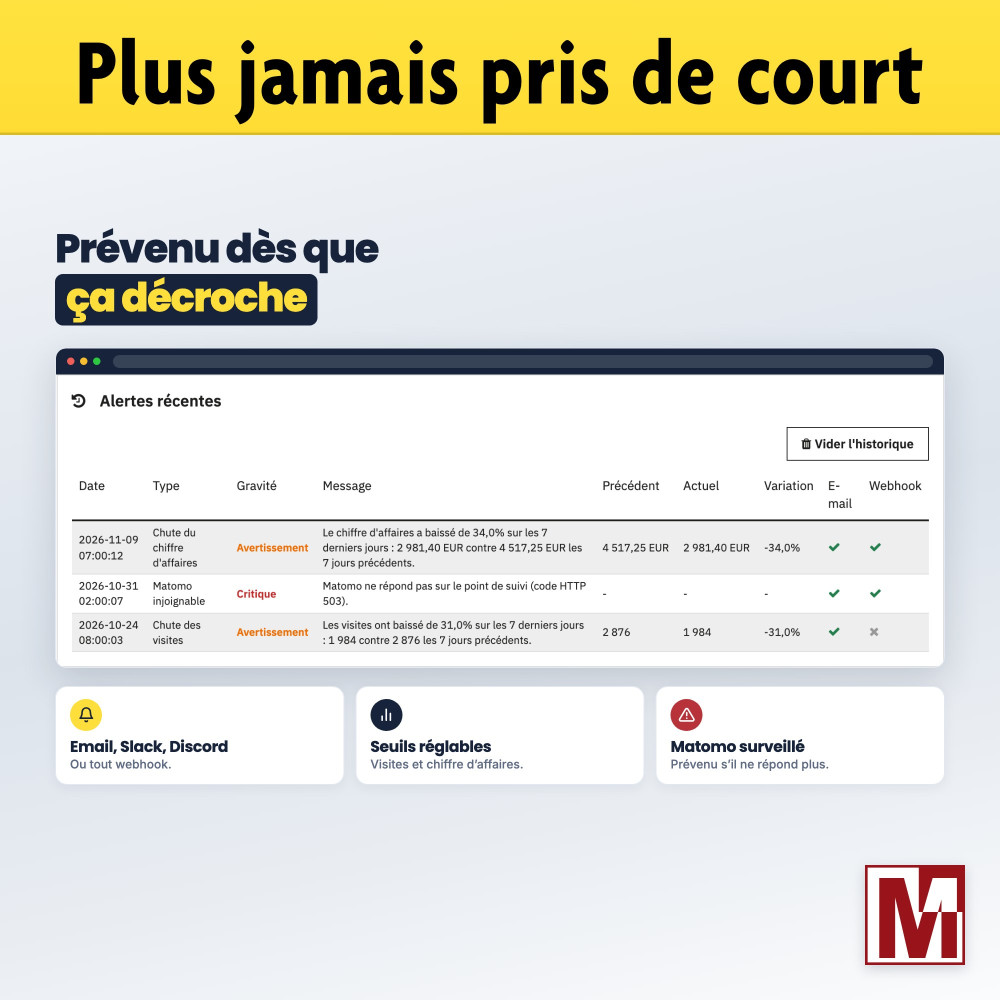
- Drop in visits or revenue, adjustable thresholds
- Matomo unreachable or token rejected
- Email, Slack, Discord or any webhook
- Weekly or monthly email report, with the license
Privacy
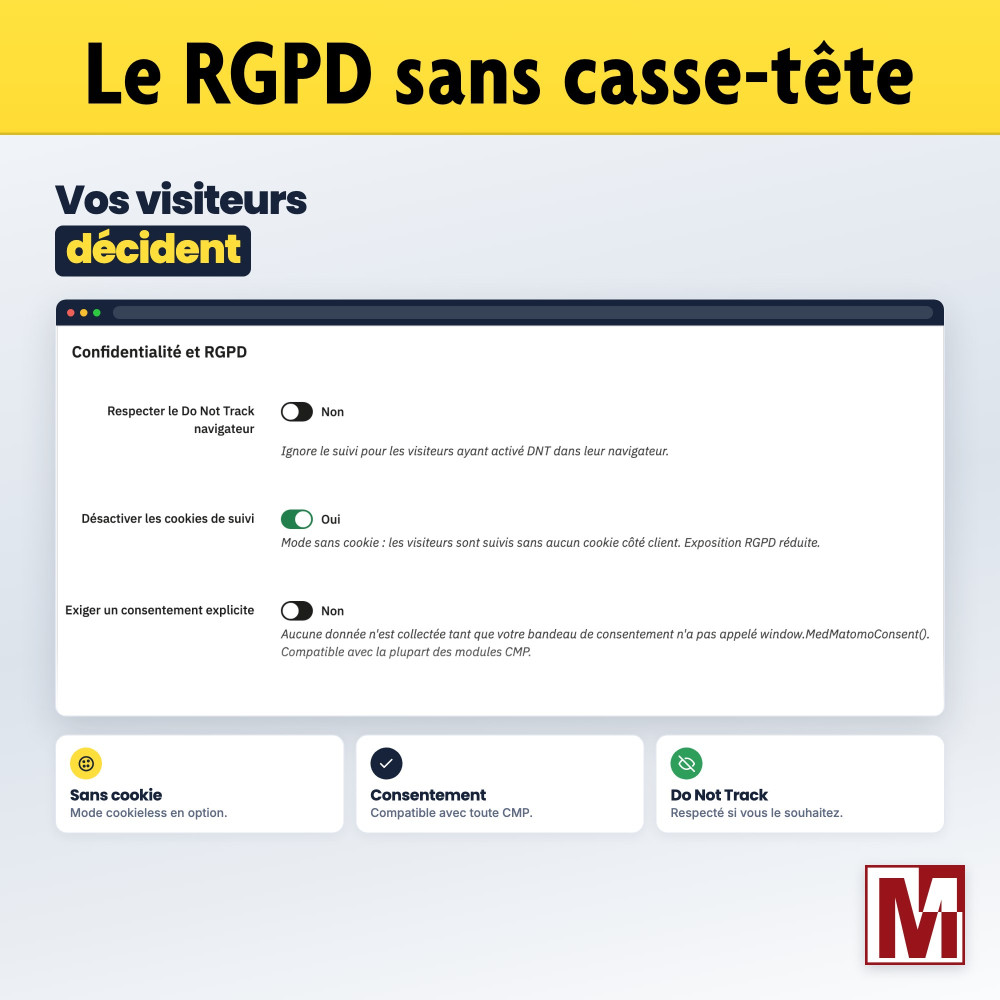
- Cookieless mode and Do Not Track
- Consent compatible with any CMP
- Tracking opt-out page and link in the customer account
- User ID hashed with SHA-256
Enriched data
- 8 Custom Dimensions: customer group, currency, language, device, shop ID and name, payment, carrier
- Checkout funnel steps (PrestaShop 1.7 and later)
- JavaScript errors and time spent on the page
- Matomo Tag Manager as an option
Performance
- Core Web Vitals: LCP, INP, CLS, FCP and TTFB
- Matomo script loaded asynchronously
- Cached widgets: 5 minutes, 30 seconds for real time
- No resource loaded from a CDN
Tools
- 10-check diagnostic with the fix to apply
- Matomo menu in the back office
- Multistore: one Matomo site per shop
- Single cron URL for all shops
Documentation and support
- PDF documentation in 6 languages
- Built-in FAQ of 42 questions
- Support form inside the module
- Interface in 6 languages
License and support
The module is fully functional as soon as it is installed: tracking, dashboard, alerts and diagnostic. The Mediacom87 license, to register in the License tab after purchase, enables the weekly or monthly email report and priority support, which you contact directly from the module. Published by Mediacom87, PrestaShop specialist since 2008.
Installation in 4 steps
Install the module from your back office (Modules > Module Manager).
In the Configuration tab, enter your Matomo URL, the site ID and the token, then save.
Open the Diagnostic tab: each check turns green or shows the fix to apply.
Enable the proxy, server-side tracking, the widgets and the alerts, then register your purchase in the License tab.
Caratteristiche
- Product and category views with name, category and displayed price
- Cart sent whenever it changes
- Orders missed by the browser recovered by the server, counted once
- Same product reference from the view to the order
- First-party proxy for matomo.js and matomo.php
- Orders sent from the server
- Logins, searches and cart tracked server-side
- Bots excluded from server-side hits
- 13 widgets, enabled one by one
- Change from the previous period
- Report in the Statistics page, for its period
- Widgets on the back-office home page, combined in multistore
- Drop in visits or revenue, adjustable thresholds
- Matomo unreachable or token rejected
- Email, Slack, Discord or any webhook
- Weekly or monthly email report, with the license
- Cookieless mode and Do Not Track
- Consent compatible with any CMP
- Tracking opt-out page and link in the customer account
- User ID hashed with SHA-256
- 8 Custom Dimensions: customer group, currency, language, device, shop ID and name, payment, carrier
- Checkout funnel steps (PrestaShop 1.7 and later)
- JavaScript errors and time spent on the page
- Matomo Tag Manager as an option
- Core Web Vitals: LCP, INP, CLS, FCP and TTFB
- Matomo script loaded asynchronously
- Cached widgets: 5 minutes, 30 seconds for real time
- No resource loaded from a CDN
- 10-check diagnostic with the fix to apply
- Matomo menu in the back office
- Multistore: one Matomo site per shop
- Single cron URL for all shops
- PDF documentation in 6 languages
- Built-in FAQ of 42 questions
- Support form inside the module
- Interface in 6 languages
Cronologia versioni
v2.3.1
- Emails show the shop logo and the home page address of the shop they are about, also added to the subject in multistore.
- Emails go out in every language of the shop, including languages added later.
- Server-side events no longer slow the shop down: the cart is sent only when its products change, and sending pauses when Matomo does not answer.
v2.3.0
- Alert by email or webhook (Slack, Discord) when visits or revenue drop, when Matomo stops responding or when the auth token is rejected.
- Weekly or monthly email report with the key figures compared with the previous period, the top products and the traffic sources.
- New Alerts & reports tab: alert history, test send, manual run and cron URL.
- New License tab: register your purchase to activate the email report and priority support.
- The Core Web Vitals library is now served by the module: no more request to a third-party site.
- The Diagnostic tab is now translated.
- The embedded dashboard is fully translated, with figures and dates in the format of your language.
- Top products widget: product name in your language, with links to its catalog sheet and to its shop page.
- Dashboard widgets are aligned two by two, and the Devices chart groups the least used types under Other.
- The live dashboard is also listed in the PrestaShop Statistics page, for the period selected there, and a Matomo menu opens the dashboard, configuration, diagnostic, alerts and FAQ.
- Each panel of the Configuration tab has its own Save settings button, and saving brings you back to this tab.
- Translations reviewed in French, German, Spanish, Italian and Polish; the other languages are no longer included.
- The refresh buttons of the back-office home widgets now reload the data.
- The multi-shop display modes of the home widgets can now be selected.
- The tracking preferences page no longer shows an error on PrestaShop 1.6.
- The tracking preferences link of the customer account now matches the theme layout.
- Orders tracked from the server are no longer lost when the auth token only has view access.
- The User ID of server-side hits now matches the one sent by the browser and is only sent when the option is enabled.
- The widget switches of the Configuration tab show the saved selection: saving no longer disables the dashboard widgets.
- A falling bounce rate is now shown in green.
- Products added to the cart are tracked under the same reference as on the product page and in orders.
- Product and category pages send a single page view, which carries the product or category: they were counted twice.
- No more extra page view on the order confirmation page and for site searches, and the instant search of the search bar is no longer tracked.
- The cart is sent to Matomo when it changes, not with every page.
- Product views carry the category name, the price shown in the shop and, for a product with combinations, the same reference as the cart.
- The Custom Dimensions mapping is no longer emptied when another setting is saved.
- The proxy path setting, which had no effect, is removed.
v2.3.2
- Orders no longer counted twice: the server only sends, an hour later, the orders the browser did not send
- Real visitor IP and location for the hits relayed by the first-party proxy, with a Write access token
- Without the Matomo visitor cookie, the cart, the search and the login are no longer sent from the server, which created visits without source
- Diagnostic: warns when Matomo anonymises the order IDs
- License key entry fixed: a valid key is accepted again, even typed in lower case or pasted from an email
- License dates displayed in the format of your back-office language
- Email report: top products only lists products sold, with a message when there is no sale
- Email report: no change shown when both periods are at zero, no average order value without orders, amounts no longer split over two lines
- Email report: with tracking without cookies, a note explains why unique visitors stay close to visits
v2.2.0
- The widgets show the change compared with the previous period, including the Visits widget of the back-office home page.
v2.1.0
- The back-office home widgets combine the statistics of every shop that has Matomo configured.
- Visits chart: one chart with a line per shop, one chart per shop, or a total with a trend per shop.
- Real-time visitors: one combined counter or one counter per shop.
v2.2.1
- New check that detects when Matomo records the server IP instead of the visitor IP, with the fix to apply in Matomo.
v2.0.0
- PrestaShop 1.6 to 9 and PHP 5.6 to 8.4.
- The settings of version 1.x are kept on upgrade.
- Orders are also tracked from the server, so no sale is lost to ad-blockers.
- Optional proxy that serves Matomo from your shop domain.
- Custom dimensions, Matomo Tag Manager, Core Web Vitals and bot filtering.
- Tracking of logins, site search, carts and checkout steps.
- User ID for logged-in customers, with optional hashing.
- Dashboard tab with 13 Matomo widgets to choose from, without iframe.
- Real-time visitors refreshed automatically.
- Visits and real-time visitors on the back-office home page.
- Cookieless mode, consent gating for any cookie banner and Do Not Track support.
- Visitor opt-out page, linked from the customer account.
- Diagnostic tab that checks the configuration and explains how to fix each problem.
- New FAQ tab.
- Removed the unprotected debug page of version 1.x.
- Module enrolled under the TouchWeb responsible disclosure charter.
- Cart amounts are tracked correctly with every decimal separator.
v1.0.0
- Initial version
Un progetto, una domanda, un audit?
Risposta personale entro 24h lavorative. Confrontiamoci senza impegno.
Parliamo del tuo progetto →