

CookieYes - Cookie banner and Google Consent Mode v2 for PrestaShop
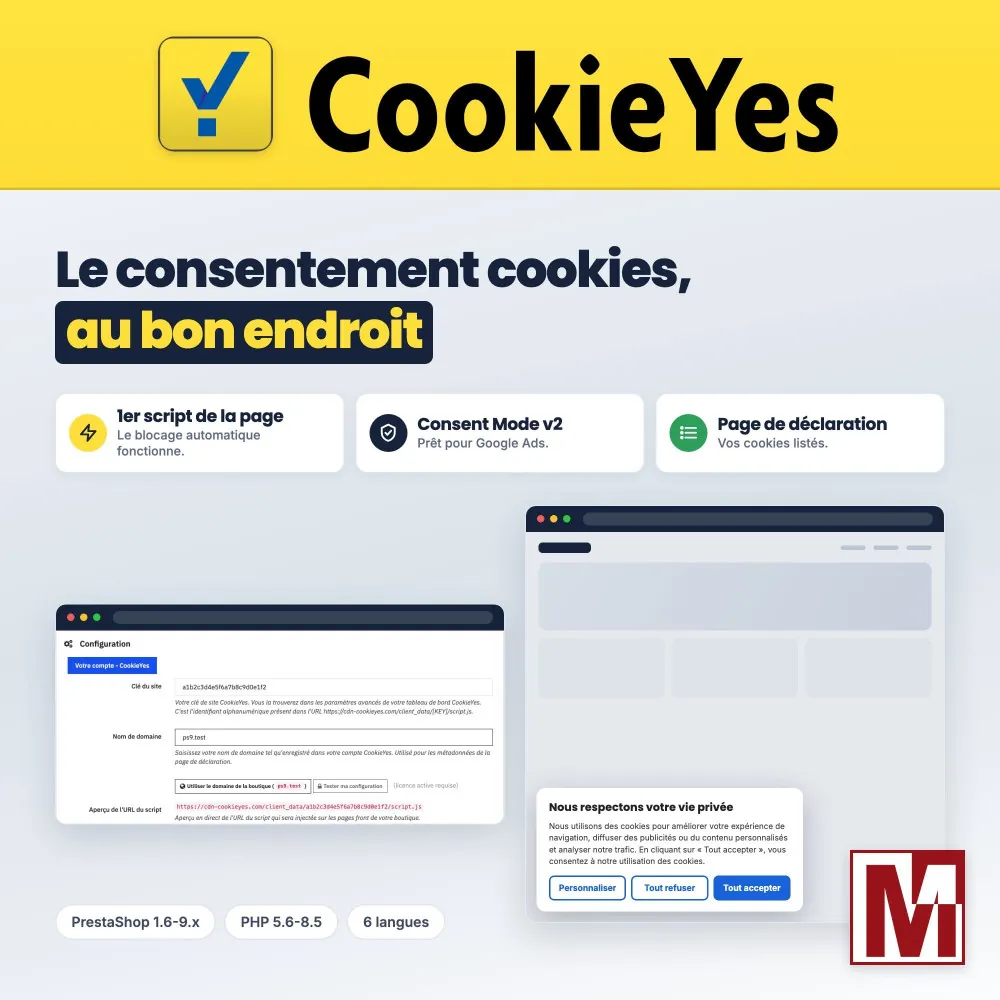
The CookieYes consent banner built into PrestaShop, from version 1.6 to 9, without touching the theme Paste the key of your CookieYes site: the banner loads at the very top of every page, before the other scripts, with the Google Consent Mode v2 signals. The module publishes your cookie declaration on a page of your shop and adds a “Cookie preferences” link so your customers can change their mind.




Descrizione
The problem
You chose CookieYes to collect the consent of your visitors. It still has to be installed on PrestaShop: the installation code pasted into the theme is lost at the next update, lands wherever the theme puts it, and JavaScript optimization modules or Cloudflare Rocket Loader defer it.
As a result, automatic cookie blocking stops working, because CookieYes must run before the other scripts. Google Consent Mode v2, now required by Google to measure European conversions, is not set, and the cookie list has no page on the shop.
The solution
The CookieYes module loads the official script first in the page, through the PrestaShop hooks, from version 1.6 to 9, and protects it from being deferred.
It sets the Google Consent Mode v2 defaults before CookieYes, publishes your cookie declaration on a real page of the shop, adds a “Cookie preferences” link in the footer and the customer account, and removes the banner from the pages and customer groups where it does not belong. No theme change.
What sets it apart
Six design choices that make the difference day to day.
The first script of the page
Right after the title tag on PrestaShop 1.7.8 to 9, at the top of the head on 1.7.0 to 1.7.7 and 1.6: CookieYes can block the other scripts before they set their cookies.
Protected from deferral
JavaScript optimization modules and Cloudflare Rocket Loader can no longer defer the consent script. Deferred loading remains an option, disabled by default.
Consent Mode v2 in the right order
Defaults, then the CookieYes script, then the Google tags: the order recommended by CookieYes, with ads data redaction and optional URL passthrough.
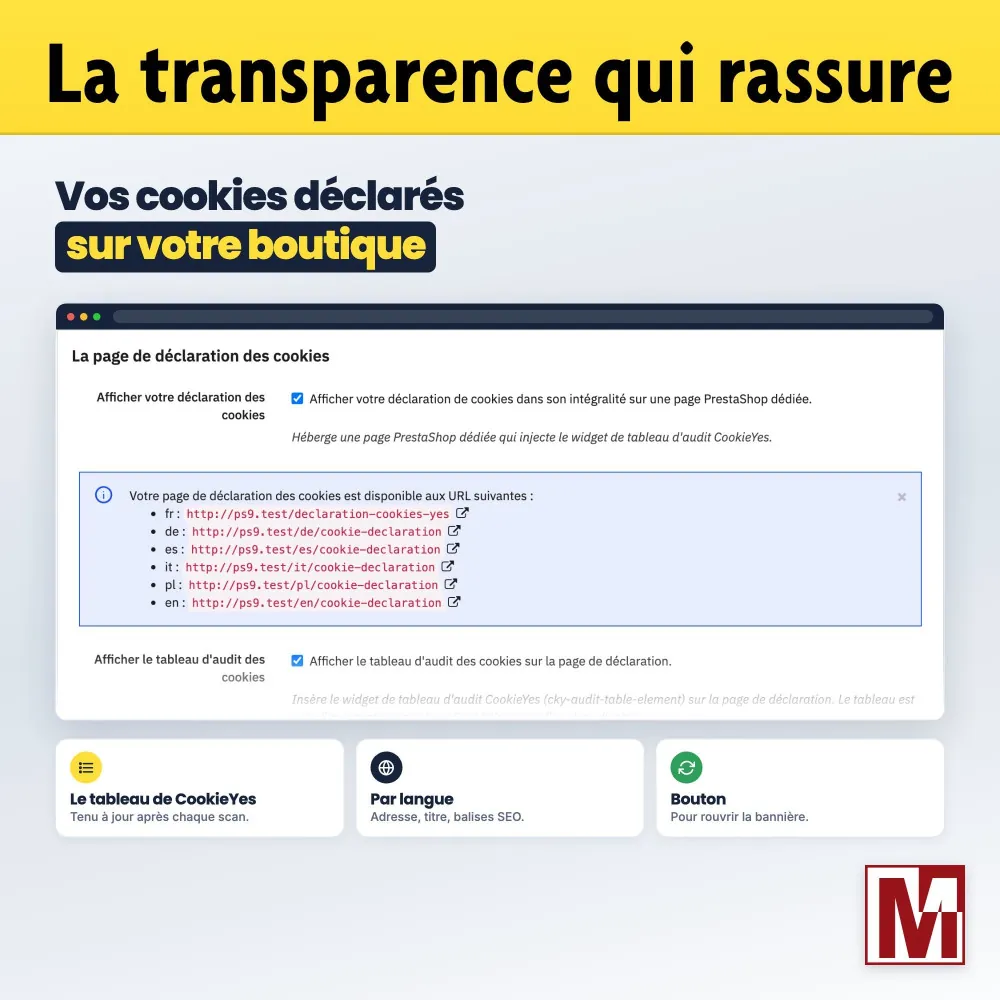
A real declaration page
The CookieYes cookie table on a PrestaShop page, with address, title, introduction text and SEO tags per language.
Checked before going live
The script address is shown as you type, and the “Test my configuration” button checks from your server that CookieYes serves your script.
Nothing in your database
No table created, no native table changed, no visitor data stored: consents are kept by CookieYes.
The CookieYes module compared
What the CookieYes code pasted into the theme gives you, and what the module adds.
| Code pasted into the theme | CookieYes module | |
|---|---|---|
| Survives theme updates | No | Yes |
| First script of the page, on PrestaShop 1.6 to 9 | Depends on the theme | Yes |
| Protected from optimization modules and Rocket Loader | No | Yes |
| Google Consent Mode v2 defaults | Write it yourself | Yes, in one click |
| Cookie declaration page | Create it yourself | Yes, per language, with SEO |
| “Cookie preferences” link | Add it yourself | Footer and customer account |
| Pages and customer groups without banner | No | Yes |
| Key tested from the server | No | Yes |
| Multistore, one key per shop | Handle it yourself | Yes |
The banner settings (design, texts, languages, cookie scan) are made in your CookieYes dashboard in both cases.
How it works
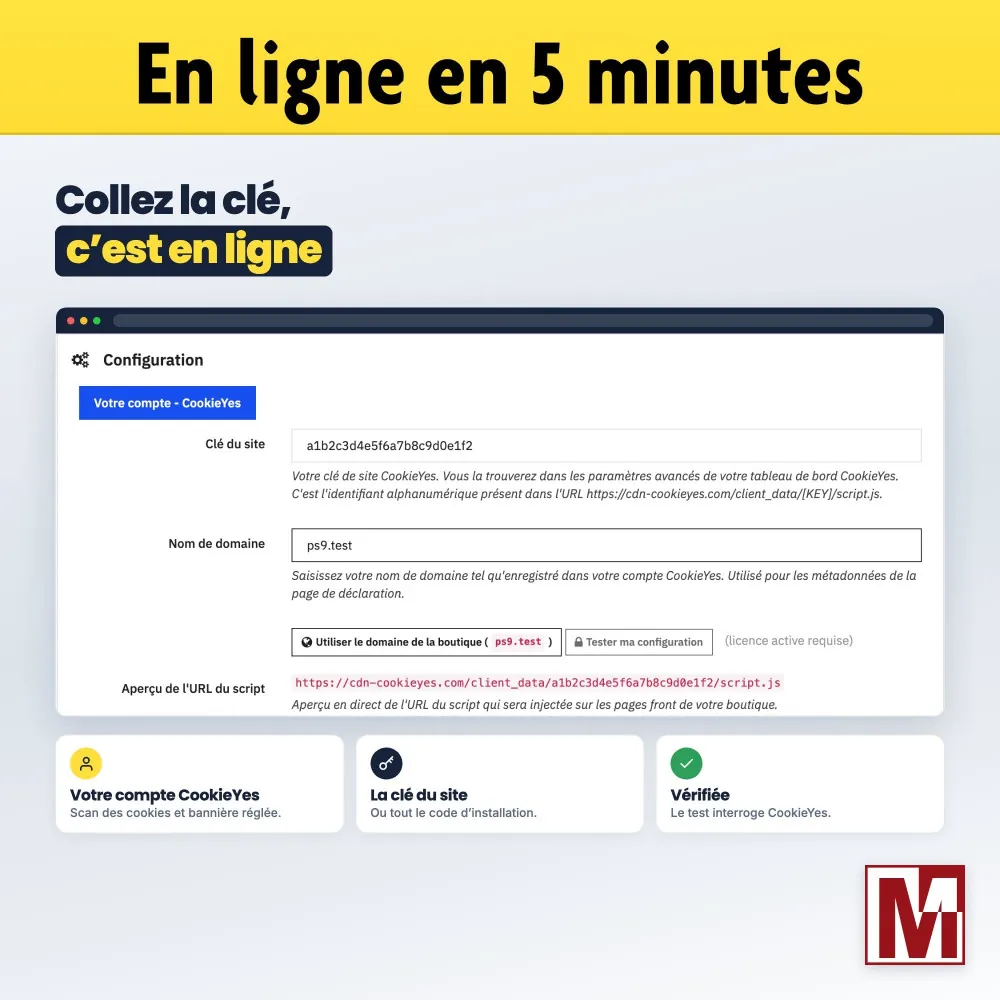
Your CookieYes account
Create your account, add the shop, let the scan find the cookies and set up your banner.
The Site Key
Paste the key of your site, the script address or the whole installation code into the module: it keeps only the key, and the banner is live.
The finishing touches
Enable Google Consent Mode v2 and the declaration page, then choose where the “Cookie preferences” link appears.
Detailed features
Script integration
- Hook suited to each PrestaShop version, in first position
- data-keepinline and data-cfasync="false" attributes: never moved, merged or deferred
- “Defer script loading” as an option, disabled by default
- “Script URL preview” as you type
- “Test my configuration” from the server
Google Consent Mode v2
- “Enable Google Consent Mode v2”: everything denied by default except security
- Adjustable “wait_for_update (ms)” delay, 2000 by default
- “Ads data redaction”, enabled by default
- “URL passthrough”, optional
Cookie declaration page
- Cookie audit table filled by CookieYes
- “Reopen banner” button at the top of the page
- Introduction text per language
- Address, title, meta title and meta description per language
- Adjustable meta robots, error 404 when the page is disabled
Cookie preferences
- Link in the footer, enabled by default
- Block in My account, optional
- Label per language, translated “Cookie preferences” by default
- cky-banner-element class for a link placed by hand
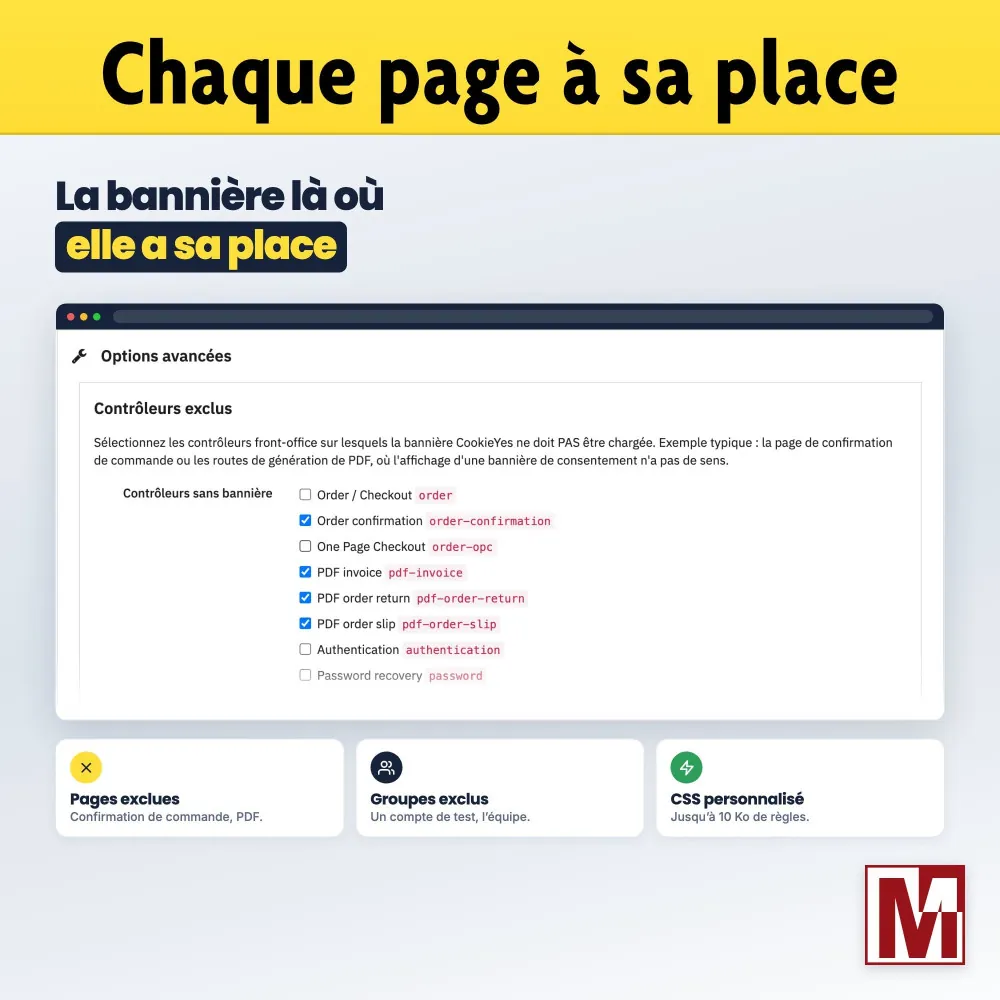
Advanced options
- “Controllers without banner”: order confirmation and PDF by default
- “Groups without banner” for logged-in customers
- Custom CSS up to 10 KB
- “Reload after consent”
- Debug mode in the browser console
Documentation and support
- Built-in FAQ of 26 questions, in 8 topics
- PDF documentation in 6 languages
- Support form in the module
- Interface in 6 languages
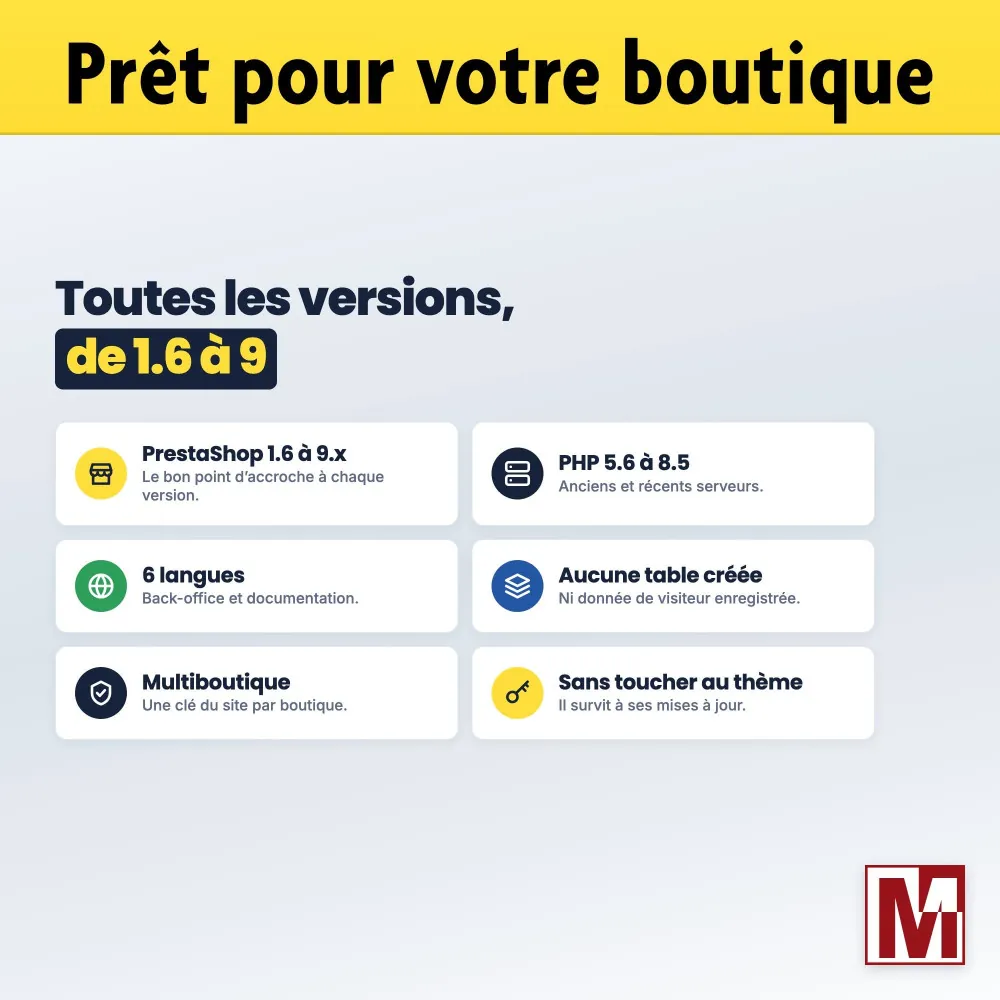
- Multistore, one key per shop
License and support
The banner, Google Consent Mode, the declaration page and the options work as soon as the module is installed. The Mediacom87 license, registered in the License tab after purchase, unlocks the configuration tester, the new version alert and priority support, which you contact straight from the module. Published by Mediacom87, PrestaShop specialist since 2008.
Compatibility
| Item | Compatibility |
|---|---|
| PrestaShop | 1.6 to 9.x |
| PHP | 5.6 to 8.5 |
| CookieYes account | Required, the free plan is enough to start |
| Multistore | Yes, one Site Key per shop |
| Languages | French, English, German, Spanish, Italian, Polish |
| Database | No table created, no native table changed |
| PrestaShop 1.6.0 to 1.6.1.11 | classes/Media.php file replaced, the original is backed up and restored on uninstall |
Installation in 4 steps
Create your CookieYes account, add the shop and set up your banner.
Install the module from your back office (Modules > Module Manager).
In the Configuration tab, paste the Site Key and save: the banner is live.
Enable the page in the Cookies declaration page tab, then register your purchase in the License tab.
Caratteristiche
- Hook suited to each PrestaShop version, in first position
- data-keepinline and data-cfasync="false" attributes: never moved, merged or deferred
- “Defer script loading” as an option, disabled by default
- “Script URL preview” as you type
- “Test my configuration” from the server
- “Enable Google Consent Mode v2”: everything denied by default except security
- Adjustable “wait_for_update (ms)” delay, 2000 by default
- “Ads data redaction”, enabled by default
- “URL passthrough”, optional
- Cookie audit table filled by CookieYes
- “Reopen banner” button at the top of the page
- Introduction text per language
- Address, title, meta title and meta description per language
- Adjustable meta robots, error 404 when the page is disabled
- Link in the footer, enabled by default
- Block in My account, optional
- Label per language, translated “Cookie preferences” by default
- cky-banner-element class for a link placed by hand
- “Controllers without banner”: order confirmation and PDF by default
- “Groups without banner” for logged-in customers
- Custom CSS up to 10 KB
- “Reload after consent”
- Debug mode in the browser console
- Built-in FAQ of 26 questions, in 8 topics
- PDF documentation in 6 languages
- Support form in the module
- Interface in 6 languages
- Multistore, one key per shop
Cronologia versioni
v1.0.0
- Initial release
Un progetto, una domanda, un audit?
Risposta personale entro 24h lavorative. Confrontiamoci senza impegno.
Parliamo del tuo progetto →