

Stop Right Click - Protect and promote your shop's content
Deter the copying of your images and texts (right click, selection, shortcuts) and turn every copy into an SEO backlink. Watermark, print protection, email anti-scraping and statistics included — without modifying PrestaShop's native tables.



Descripción
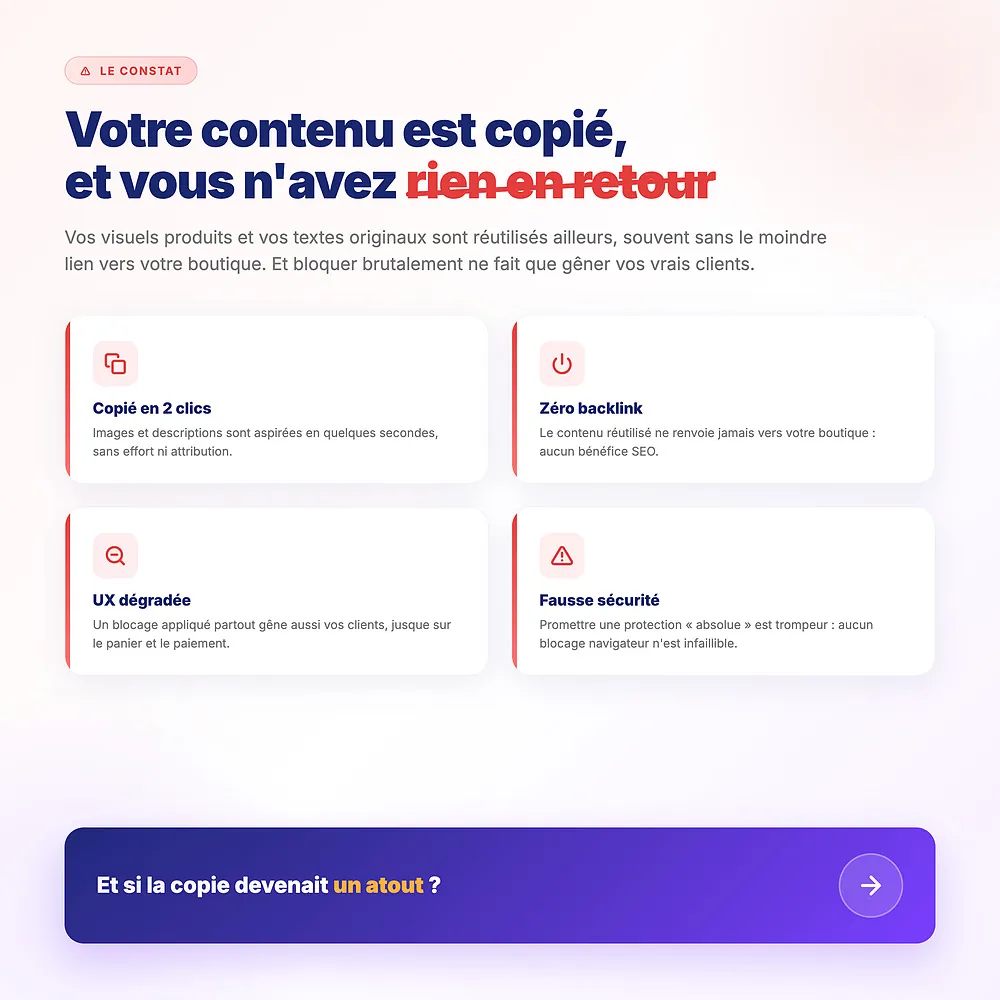
The problem
Your product visuals and your original descriptions are copied in two clicks and reused elsewhere, often without the slightest link back to your shop. Bluntly blocking right click also gets in the way of your real customers and doesn't stop the most determined.
The result: stolen content, no benefit in return, and a degraded experience if protection is poorly targeted.
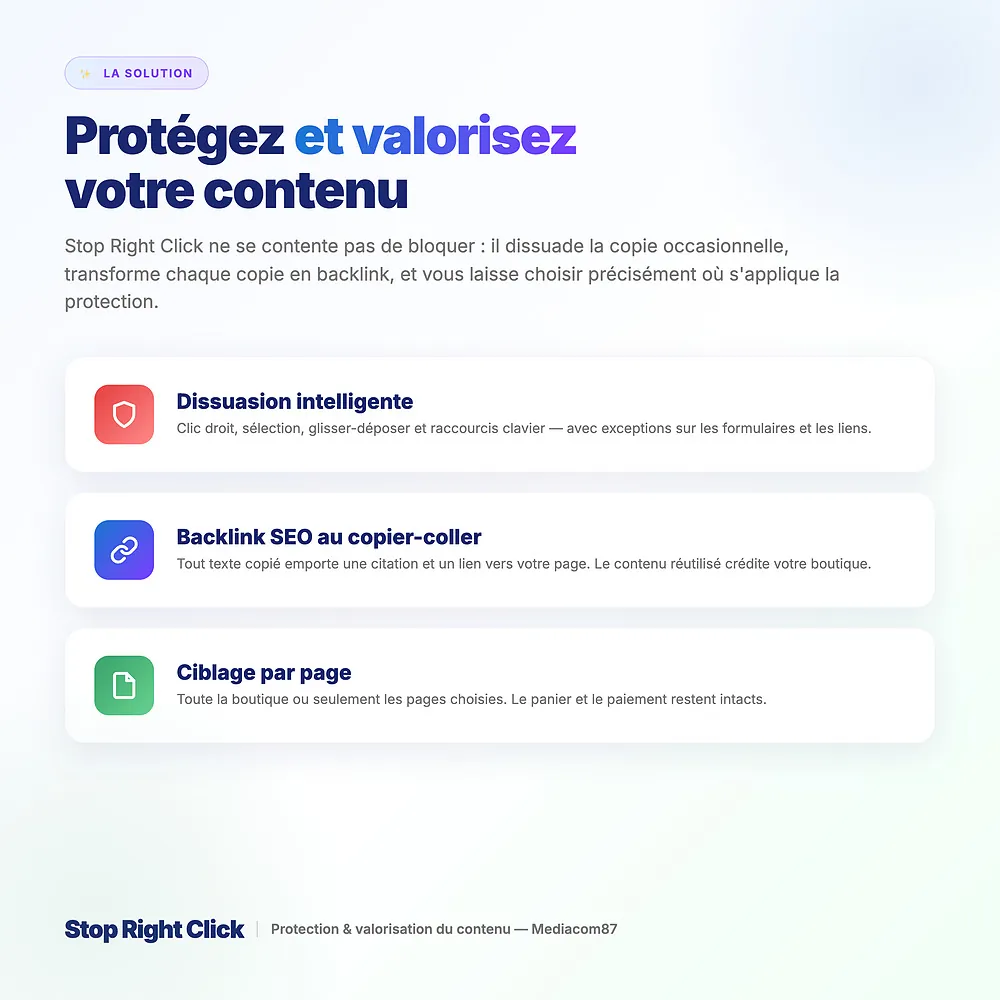
The solution
Stop Right Click deters casual copying (right click, selection, drag-and-drop, shortcuts) and, above all, turns copying into an SEO advantage: any copied text carries a citation and a link to your page.
You target the pages to protect, customize the alert, add a watermark and print protection, and track attempts through statistics (premium).
How it works
You choose what to block
Right click (whole site or images only), selection, drag-and-drop, Ctrl/Cmd shortcuts — with exceptions on forms and links.
Copying becomes a backlink
When a visitor copies your text, a citation and a link to the source page are added to the clipboard. The reused content credits your shop.
You target and measure
You apply protection on the chosen pages, add a watermark and print protection, and track blocked attempts (premium).
Detailed features
Right-click blocking
- Whole site or images only
- Exceptions on form fields and links
- Touch context menu (long press) handled
Selection and drag-and-drop
- Prevents text highlighting
- Prevents dragging images off the page
- Options independent from right-click blocking
Keyboard shortcuts
- Blocking of Ctrl/Cmd combinations
- Save, copy, view source, etc.
- You only block what you need
Copy-paste attribution (SEO)
- Citation and backlink to the source page
- Configurable minimum selection length
- Optional author credit (meta), "lbExclude" areas
Per-page targeting
- All pages or a selection of types
- Home, product, category, CMS, brand, search…
- Preserves cart, checkout and customer account
Customizable alert
- Simple alert or SweetAlert pop-up
- Facebook, Google, Twitter themes
- Title, HTML message, icon, animation, color, esc
Print protection
- Copyright notice when printing (watermark)
- Or full masking of printed content
- Shop name and page URL
Image watermark
- Discreet text watermark on images
- Minimum size threshold (avoids icons and thumbnails)
- Exclusion via the "stopclic-no-wm" class
Email protection
- Obfuscation of mailto links
- Rebuilt by the browser on click
- Discourages harvesting bots
Statistics (premium)
- Anonymous counting of attempts by type
- 30-day view and cumulative total
- Excludes your IPs and your employees
Exclusions
- Allowlisting of IP addresses ("Add my IP" button)
- Allowlisting of logged-in employees
- No impact on SEO (bots not blocked)
Compatibility and data
- PrestaShop 1.6 to 9.x, PHP 5.6 and above, 17 languages
- No native table modified (dedicated additional table)
- No third-party service, no API key
Honest protection
Blocking runs in the browser: it deters casual copying but is not a DRM. The module explains this clearly in its FAQ and recommends combining it with low-resolution images, a visible watermark and your legal notices. Published by Mediacom87, a PrestaShop specialist since 2008, member of the TouchWeb Charter for responsible cybersecurity.
Installation in 4 steps
Download the module and install it from your back-office (Modules > Module Manager). Right click is blocked by default.
Configure the mouse and keyboard (right click, images, selection, drag, shortcuts) and the exceptions (forms, links), then customize the alert.
Enable copy-paste attribution (SEO backlink), print protection, image watermark and email protection.
Choose the pages to protect and allowlist your IPs and employees. With an active license, statistics fill in automatically.
Características
- Whole site or images only
- Exceptions on form fields and links
- Touch context menu (long press) handled
- Prevents text highlighting
- Prevents dragging images off the page
- Options independent from right-click blocking
- Blocking of Ctrl/Cmd combinations
- Save, copy, view source, etc.
- You only block what you need
- Citation and backlink to the source page
- Configurable minimum selection length
- Optional author credit (meta), "lbExclude" areas
- All pages or a selection of types
- Home, product, category, CMS, brand, search…
- Preserves cart, checkout and customer account
- Simple alert or SweetAlert pop-up
- Facebook, Google, Twitter themes
- Title, HTML message, icon, animation, color, esc
- Copyright notice when printing (watermark)
- Or full masking of printed content
- Shop name and page URL
- Discreet text watermark on images
- Minimum size threshold (avoids icons and thumbnails)
- Exclusion via the "stopclic-no-wm" class
- Obfuscation of mailto links
- Rebuilt by the browser on click
- Discourages harvesting bots
- Anonymous counting of attempts by type
- 30-day view and cumulative total
- Excludes your IPs and your employees
- Allowlisting of IP addresses ("Add my IP" button)
- Allowlisting of logged-in employees
- No impact on SEO (bots not blocked)
- PrestaShop 1.6 to 9.x, PHP 5.6 and above, 17 languages
- No native table modified (dedicated additional table)
- No third-party service, no API key
Historial de versiones
v5.3.0
- New: copy attribution — add a citation and a backlink to the source page when visitors copy your content (SEO friendly)
- New: page targeting — apply the protection on all pages or only on selected page types
- New: print protection — add a copyright notice or block the printout
- New: image watermark — overlay a text watermark on your images
- New: e-mail protection — obfuscate mailto links against harvesters
- New: statistics dashboard (premium) — count blocked right-click, copy, drag and keyboard attempts
- Added license management and update notifications
- Added FAQ and security policy tabs
- Full PrestaShop 9 compatibility hardening (context handling)
- Code modernization and internal cleanup
v5.2.0
- Added compatibility with PrestaShop 9
- Code overhaul to improve performance
v5.1.0
- Added compatibility with PrestaShop 8.1
- Added option not to block right-click in form fields
- Added option not to block right-click on links in your store
- Improved module UX
v5.0.0
- Added compatibility with PrestaShop 8
- Correction of Smarty error messages
- New translations added
v4.0.0
- Added option to disable module effects for all employees without having to register an IP address
- Add additional customization elements to the alert:
- Added 3 more designs for the alert window (facebook, google, twitter)
- Display or not of the icon
- Customize the icon
- Customize animation
- Display or not the title
- Display or not a message
- Added HTML support for the message
- Added an option to allow or disallow closing with the escape key
- Removal of compatibility with Pretsashop 1.5
- Improved source code performance
- Reorganization of configuration items
- Update of the libraries used
v3.3.0
- Added simple alert window option with message personalization
- Improved cleaning of javascript files
- lighter source code
v3.2.0
- Improved handling of mobiles with touch blocking
- Improvement of the libraries used
v3.1.0
- Fix front end code integration
- Correction of the code so that right-click blocking is also active on mobile media
v3.0.0
- Complete redesign of the module code
- Improved performance
- Added Ctrl+I key combination lock
- Add PrestaTrust
v2.2.1
- Correction coding error in choosing to limit the blocking of right clicking on the images
v2.2.0
- Javascript correction in backoffice
- Add option to limit stop right click on pictures
- Add spanish and german translations
v2.1.0
- Addition of key combination Ctrl+S
- Implemented separat configuration of elements to block, you can separately enable blocking the right click, drag & drop and the selection
v2.0.0
- Code optimization
- Add pretty alert message
Opiniones de clientes · 12 opiniones verificadas
¿Un proyecto, una pregunta, una auditoría?
Respuesta personal en 24h laborables. Conversemos sin compromiso.
Hablemos de tu proyecto →