

Archive your old orders safely
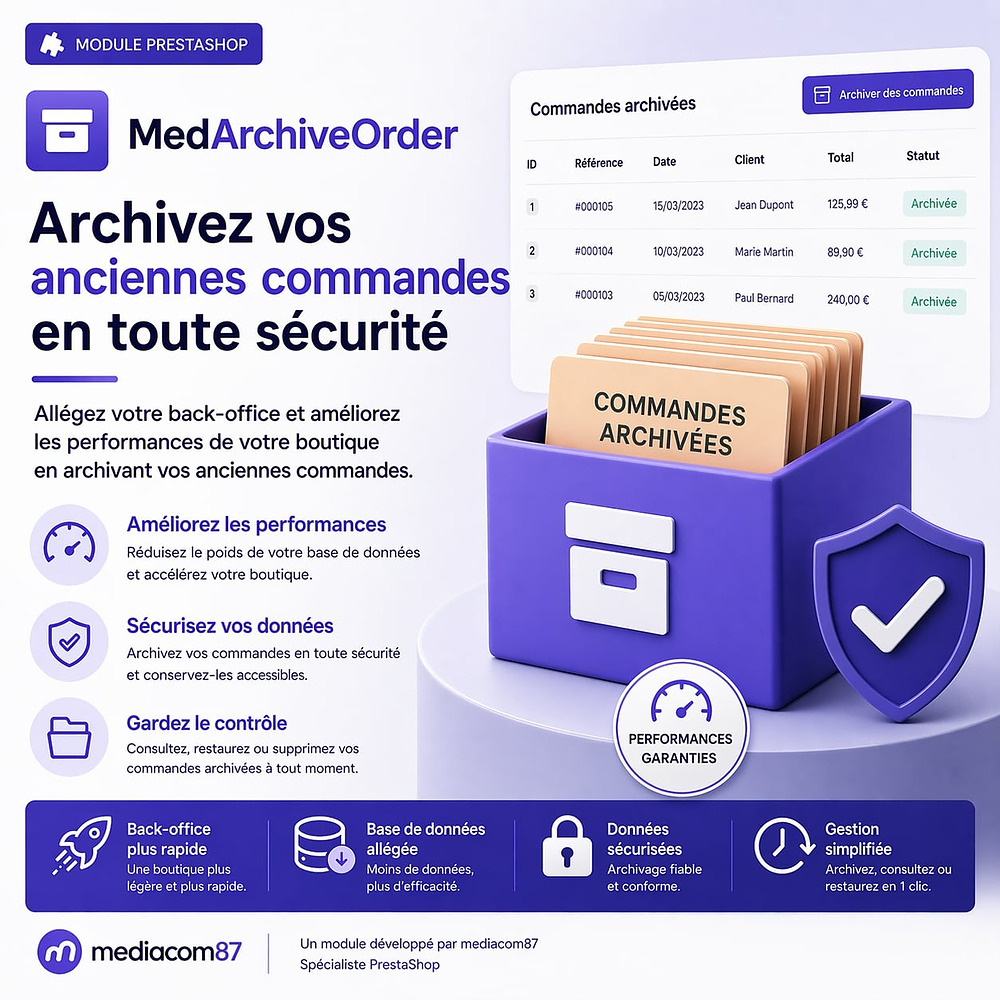
Automatically archive your previous PrestaShop commands to ease your database. The module keeps invoices and delivery vouchers in PDF, allows full restoration with one click, and manages the scheduled deletion of archives. Compatible multi-shop, automated by CRON, with progress bar and email notifications.


Description
The Problem
Over the years, orders pile up in your PrestaShop database: tens of thousands of rows across the orders, order_detail, order_payment tables and more.
The result: a sluggish back office, endless searches, exports that time out, and increasingly heavy backups. Deleting those orders? Not an option — you would lose invoices and accounting records.
The Solution
MedArchiveOrder moves your old orders into a dedicated archive table, preserving the PDF invoices and delivery slips generated before deletion.
Your database regains its speed, your back office becomes responsive again, and you retain full access to your archives with the ability to restore any order at any time.
How It Works
Configure
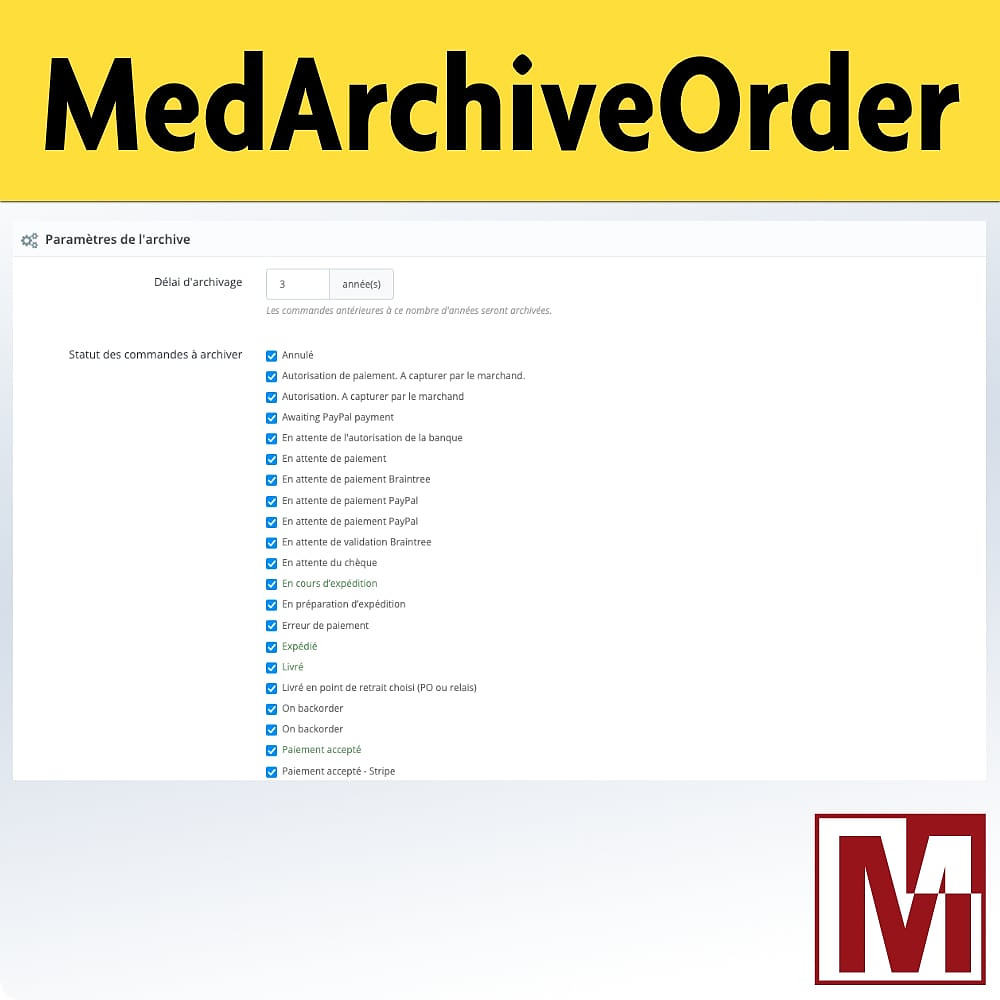
Set the minimum order age, which statuses to archive, retention period, and email notifications.
Archive
Run archiving manually or automatically via CRON. PDFs are generated, key data is saved, then orders are removed from PrestaShop.
Manage
Browse, download PDFs, restore an order, or permanently delete archives from a dedicated back office.
Detailed Features
Smart Archiving
- Configurable minimum age (default: 24 months)
- Selection by order status (delivered, cancelled, refunded…)
- Automatic PDF generation (invoice & delivery slip) before deletion
- Key data preserved: reference, customer, amount, status, dates
Full Restoration
- Restore an archived order in one click
- Recreates the order, details, cart, address, and payments
- Customer sees the order back in their history
- Single or bulk restore
Automatic Deletion
- Configurable retention period (default: 120 months)
- Scheduled deletion via purge CRON
- PDFs and data permanently erased after expiration
- Easier GDPR compliance
Email Notifications
- Summary email sent after each archiving run
- Details on how many orders were archived and any errors
- Enable or disable with one click
CRON Automation
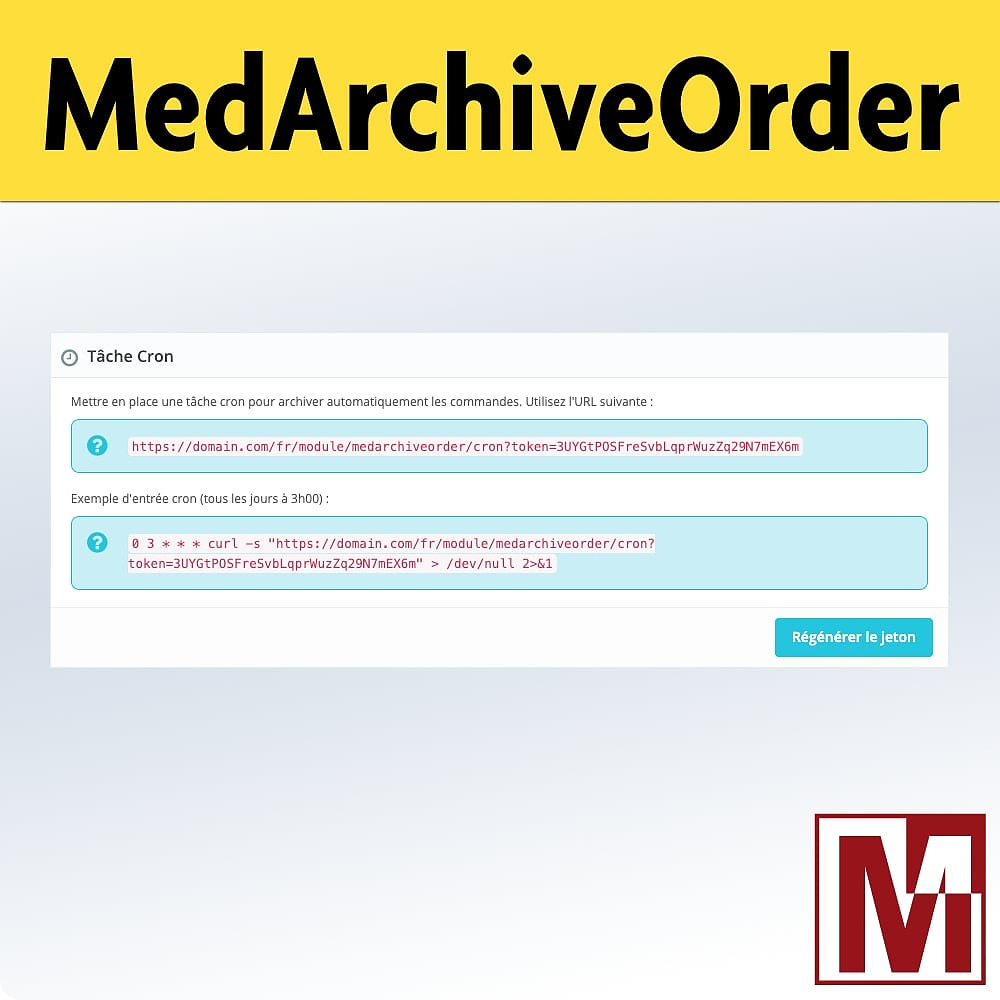
- Dedicated CRON URL for automatic archiving
- Separate CRON URL for purging expired archives
- Regenerable security token to protect access
- Fully unattended operation
PDFs & Downloads
- Invoices and delivery slips generated in native PrestaShop format
- Download from the archive back office
- HMAC-SHA256 secured download link for the front office
- Organized storage per order in a dedicated directory
Multishop
- Full multishop support
- Independent configuration per shop
- Archives filtered by selected shop
- CRON with id_shop parameter to target a specific shop
Security
- Random 32-character CRON token
- HMAC-SHA256 signature on download links
- Automatic download link expiration (24h)
- No sensitive data in URLs
Dedicated Back Office
A full admin controller with paginated list, advanced filters (customer, status, date, email), column sorting, CSV export, single actions (restore, download PDF, delete), and bulk actions (restore or delete selection).
Installation
Download the module and install it from your back office (Modules > Module Manager)
The module automatically creates the archive table, the PDF storage directory, and generates a secure CRON token
Configure the minimum age, statuses to archive, retention period, and notifications
Schedule CRON tasks (archiving and purge) or run archiving manually from the back office
Features
- Configurable minimum age (default: 24 months)
- Selection by order status (delivered, cancelled, refunded…)
- Automatic PDF generation (invoice & delivery slip) before deletion
- Key data preserved: reference, customer, amount, status, dates
- Restore an archived order in one click
- Recreates the order, details, cart, address, and payments
- Customer sees the order back in their history
- Single or bulk restore
- Configurable retention period (default: 120 months)
- Scheduled deletion via purge CRON
- PDFs and data permanently erased after expiration
- Easier GDPR compliance
- Summary email sent after each archiving run
- Details on how many orders were archived and any errors
- Enable or disable with one click
- Dedicated CRON URL for automatic archiving
- Separate CRON URL for purging expired archives
- Regenerable security token to protect access
- Fully unattended operation
- Invoices and delivery slips generated in native PrestaShop format
- Download from the archive back office
- HMAC-SHA256 secured download link for the front office
- Organized storage per order in a dedicated directory
- Full multishop support
- Independent configuration per shop
- Archives filtered by selected shop
- CRON with id_shop parameter to target a specific shop
- Random 32-character CRON token
- HMAC-SHA256 signature on download links
- Automatic download link expiration (24h)
- No sensitive data in URLs
Changelog
v1.0.0
- Initial version
- Archive old orders with a time frame configurable in years
- Generation and storage of invoices and delivery vouchers on server in PDF format
- PDF documents merged by batch for attachment
- HMAC-signed secure download links for PDF files in emails
- Maximum size configurable for email attachments with server-side folding solution
- Complete restoration of orders from JSON export (16+ linked tables including basket)
- Permanent automatic removal of outdated archives, based on retention
- Support for Cron tasks for automated archiving and purging
- AJAX batch processing with progress bar and stopping possibility
- Administrative controller with list of commands, restoration, download and deletion actions
- Configurable language for emails and PDF documents
- Control status filter with recordable status highlighted
- Compatible PrestaShop 1.6 to 9.x
v1.2.0
- Archive a single order directly from its back-office page, in one click
- Archive a chosen number of orders starting with the oldest ones, to reduce a large database step by step
- New "Mediacom87 > Archived orders" entry in the back-office menu, with the number of archives and a direct link to the settings
- New FAQ tab answering the most common questions, and a License tab to manage your Mediacom87 license
- Archiving no longer fails with a timeout error on large volumes
- Several reliability fixes on restoring and deleting archives
v1.1.0
- View the full content of an archived order (products, addresses, payments, history) without restoring it
- Find any archived order in seconds: search by customer, email, company, reference, product or address
- See the archived orders of a customer directly on their back-office sheet, and restore them in one click
- Customer and address details are now kept with each archive, even if the customer is deleted afterwards
- Improved compatibility with PrestaShop 1.6 to 9.x and older MySQL servers
A project, a question, an audit?
Personal reply within 24 working hours. No strings attached.
Let's discuss your project →